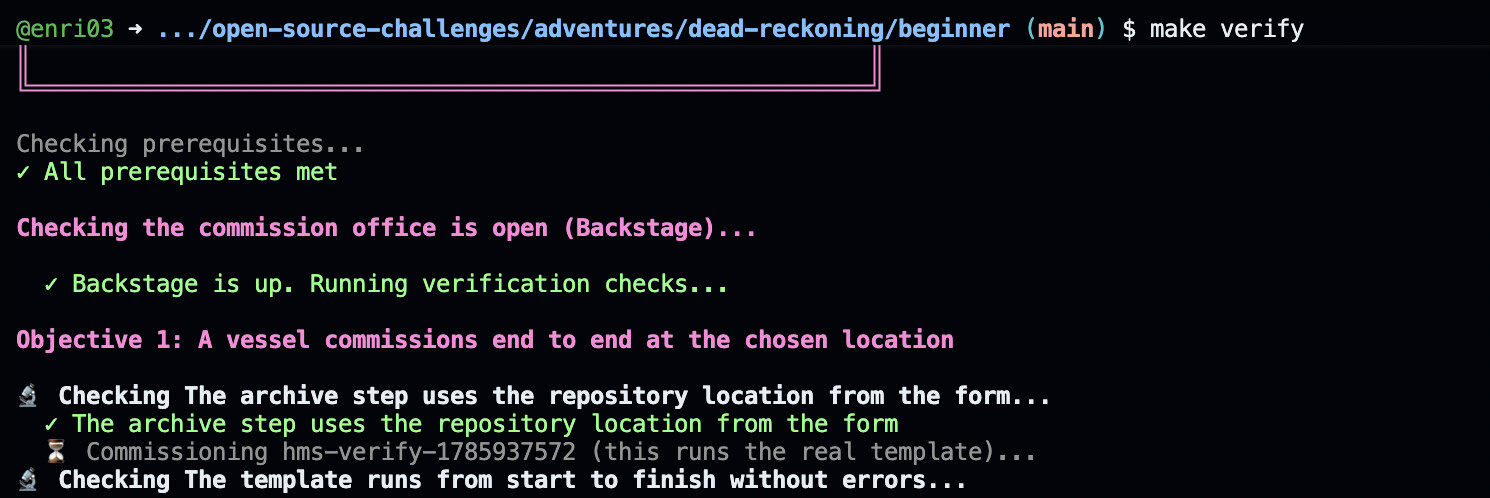
The Grand Fleet’s commission office has been open for weeks, yet not a single vessel has been registered. Captains submit their manifests, wait, and hear nothing back: no records ever reach the archives, and the ship never makes it into the fleet registry. Somewhere in the commissioning procedure, a step has been misconfigured, and every commission fails before it completes. Set it right, and get the office registering new vessels again.
Play This Challenge to Learn
- How Backstage software templates are structured: parameters, steps, and output
- How scaffolder actions like
fetch:template,publish:gitea, andcatalog:registerwork - How the catalog registration step connects a scaffolded repository to the Backstage catalog
- How to use Backstage’s built-in template tooling: the installed-actions browser and the Template Editor’s live preview and dry-run
Awards & Deadline
Complete the challenge and post your solution in the community before the deadline to be eligible.
 1st place: 50% voucher for a Linux Foundation certification
 Top 3: Credly badge to showcase the achievement
Deadline: 28 July 2026 at 23:59 CET
Play Now
Share your solutions, your questions, and the moment it clicked in this thread. We’re looking forward to seeing how you got the commission office running again.
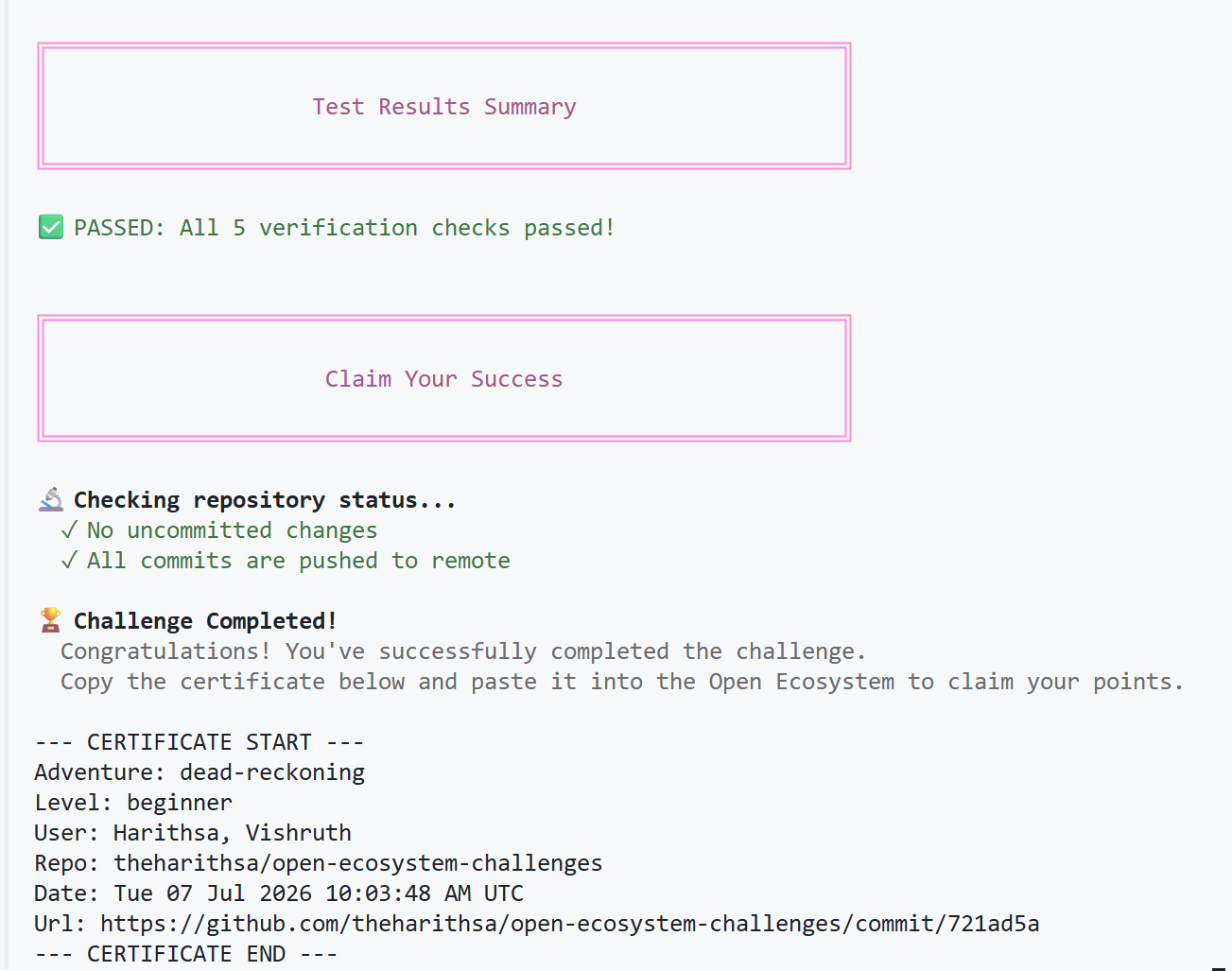

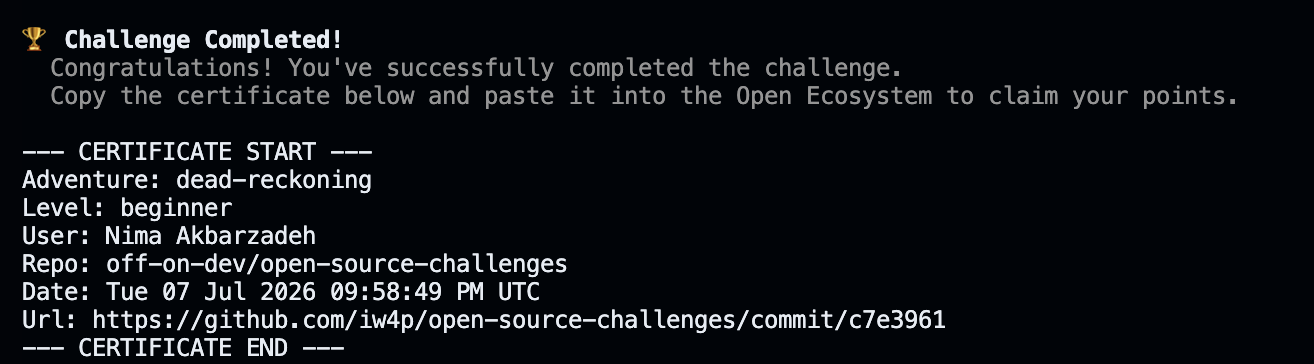
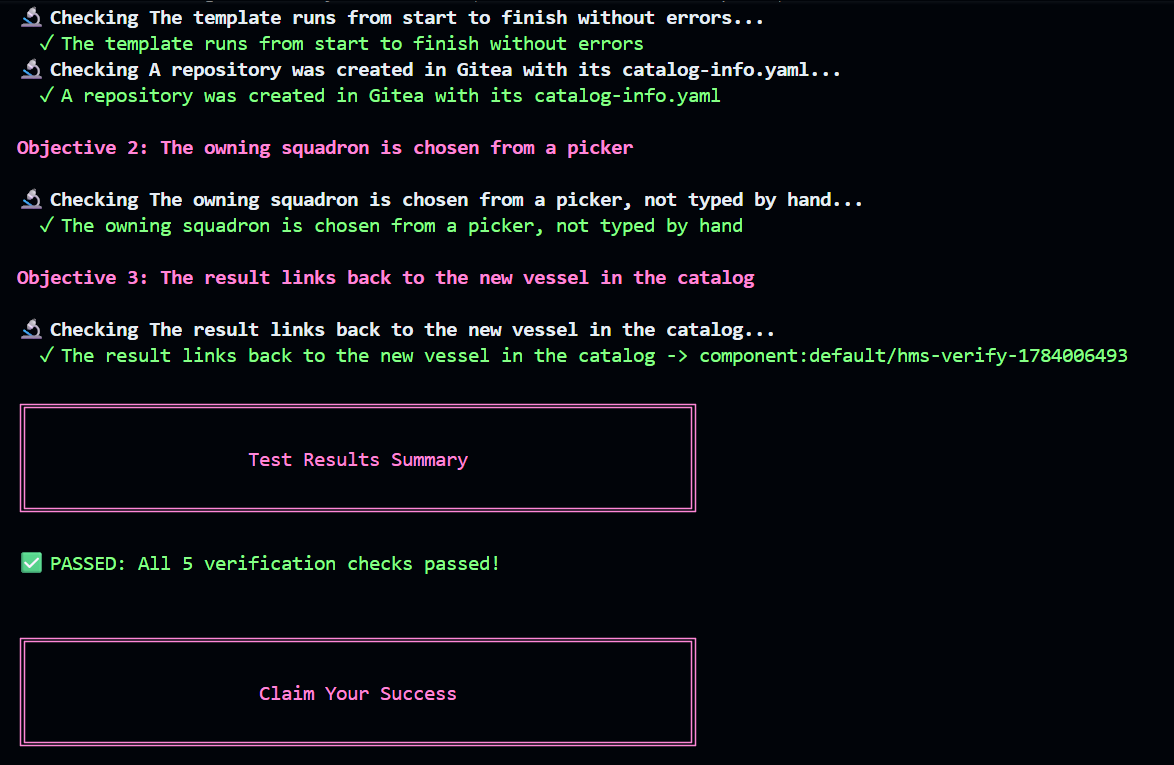

 diver as I navigated that link.